<link rel="stylesheet" href="https://fonts.googleapis.com/css?family=Open Sans|Raleway:500|Cabin|Open Sans:700|Raleway|Open Sans:600|Abel|Abril Fatface|Lato&amp;display=swap">
  • DeCarley Trading

  • Home
  • Trading Platform Login
  • Futures Margins
  • Exclusive DeCarley Content
  • Futures Market Charts
  • DeCarley Trading on RFD-TV
  • Carley Garner X Feed
  • Notices
  • DeCarley Press
  • Cow Guy Close
  • RFD-TV Ag News
  • Barchart News Feeds
  • Trading Calendars
  • Client Resources
  • Chat Support
  • Platform Tutorials
  • Trading Podcasts
  • Video News
  • DeCarley Trading Books
  • Learn to Trade Commodities
  • Trading Webinar Archives
  • Contact Us
  • About
  • Futures Margins
  • Risk Disclosure
  • Privacy Policy
  • © Copyright DeCarley Trading
  • My account
DeCarley Trading
Getting started with the DeCarley Trader futures and options trading platform

Getting started with the DeCarley Trader futures and options trading platform

Home Page: Navigating the DeCarley Trader Futures and Options Trading Home Page
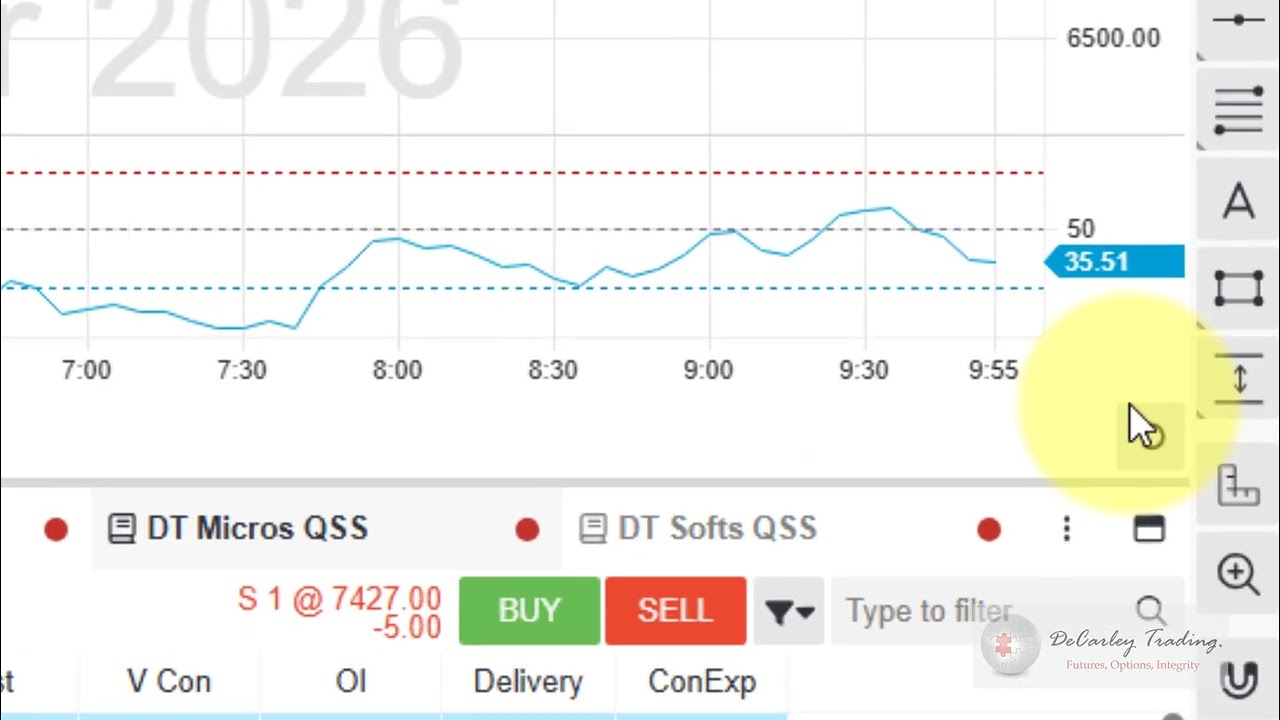
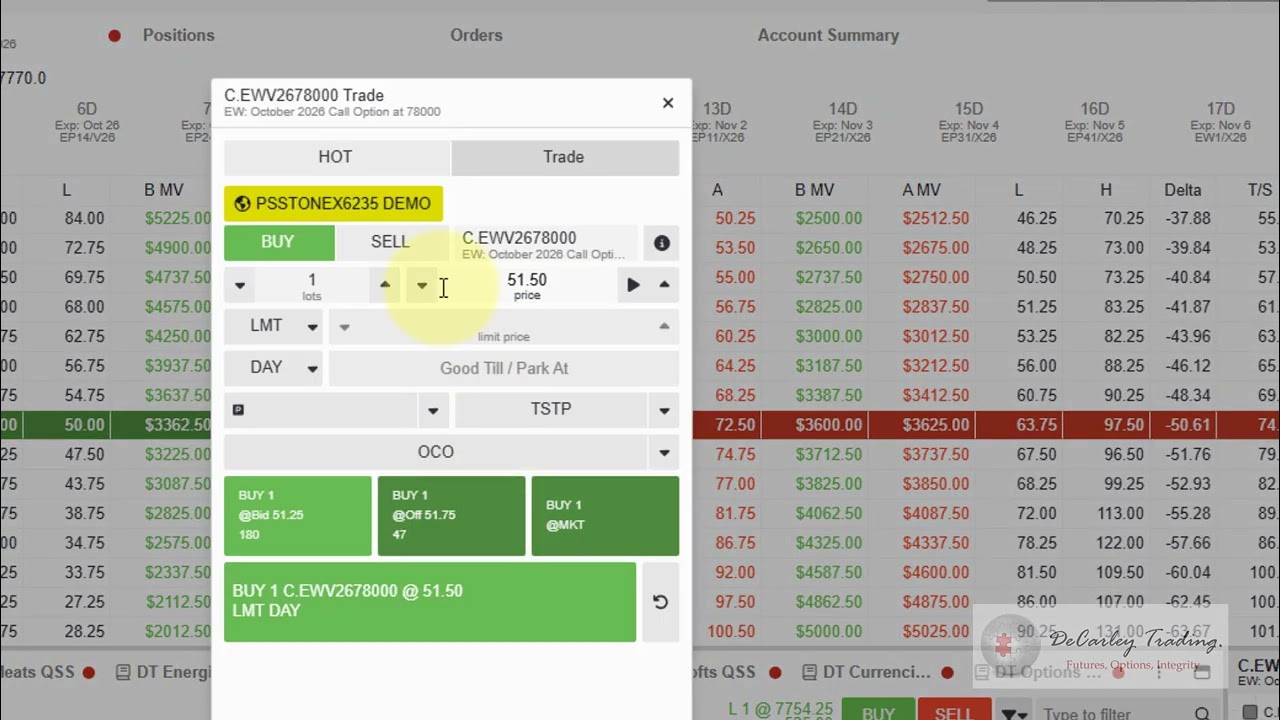
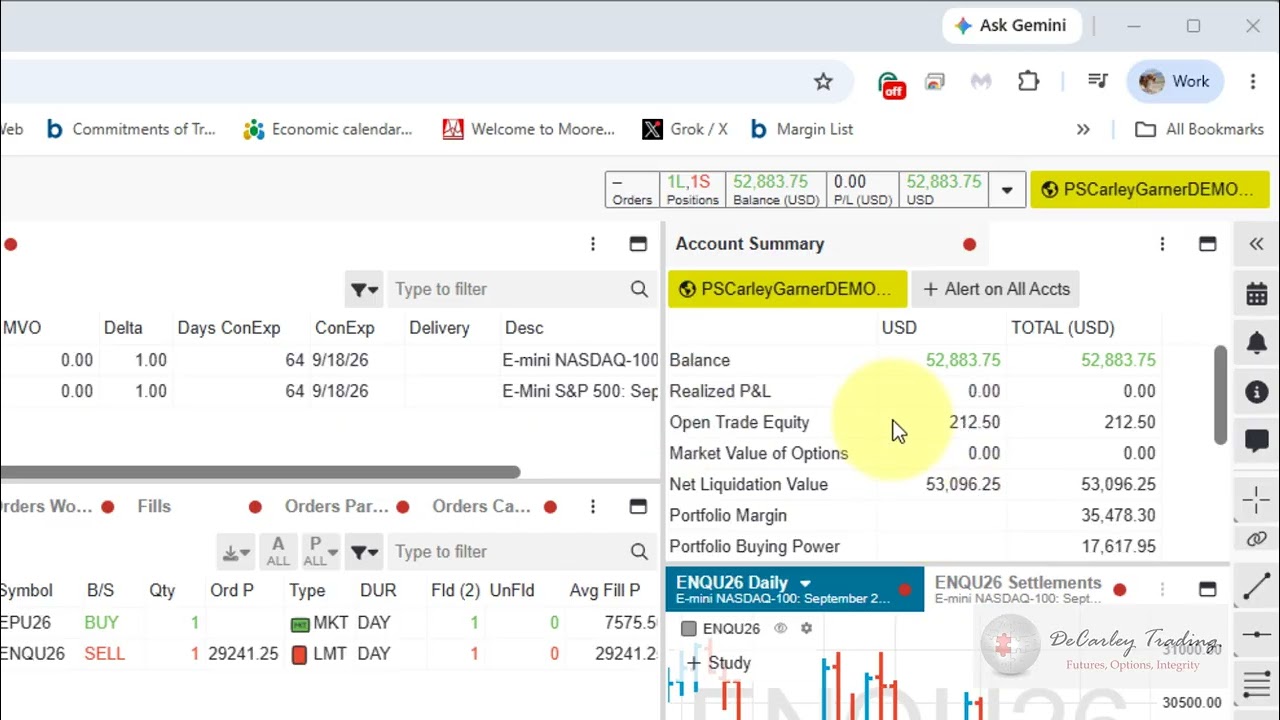
Home Page: Navigating the DeCarley Trader Futures and Options Trading Home Page

Charts/Quotes Page: Navigating Futures Quotes and Charts in the DeCarley Trader Platform

Charts/Quotes Page: Navigating Futures Quotes and Charts in the DeCarley Trader Platform

Option Chain Page: Viewing and trading from the DeCarley Trader option chain.

Option Chain Page: Viewing and trading from the DeCarley Trader option chain.

News Page: Utilizing the News Feed page in the DeCarley Trader
News Page: Utilizing the News Feed page in the DeCarley Trader

Option Spreads Page: An overview of the Option Spread Builder page in the DeCarley Trader platform.
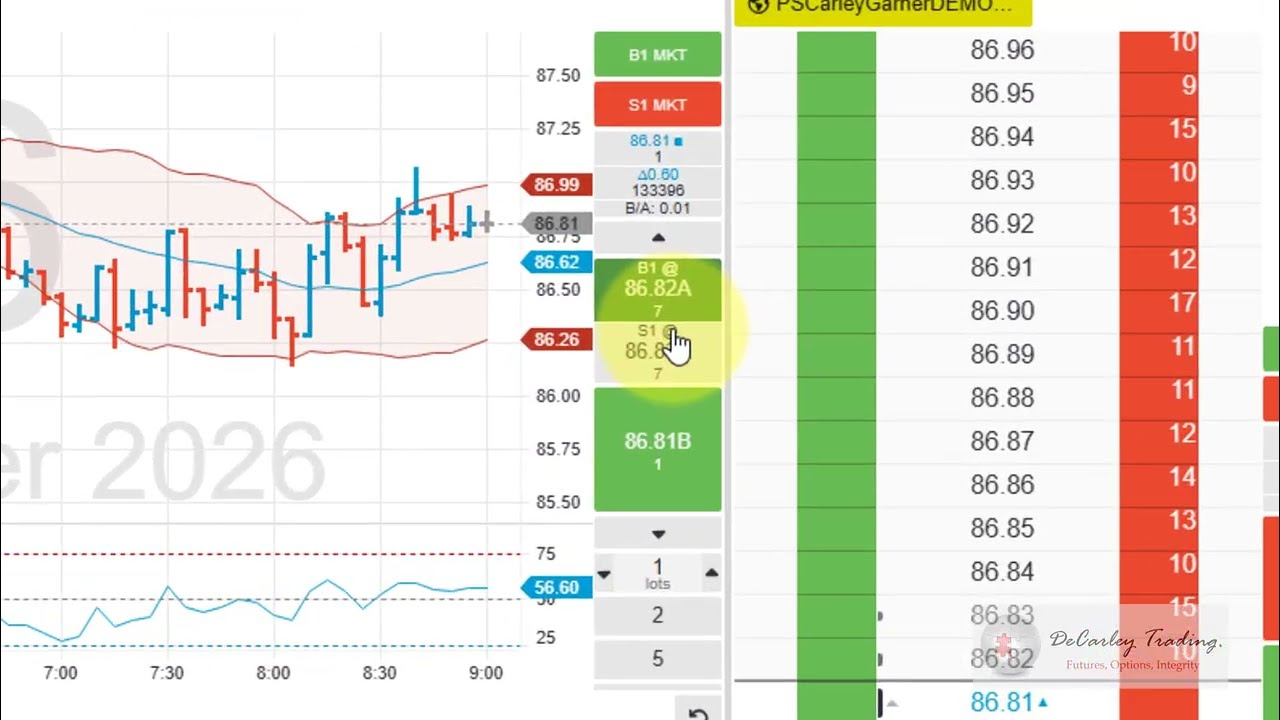
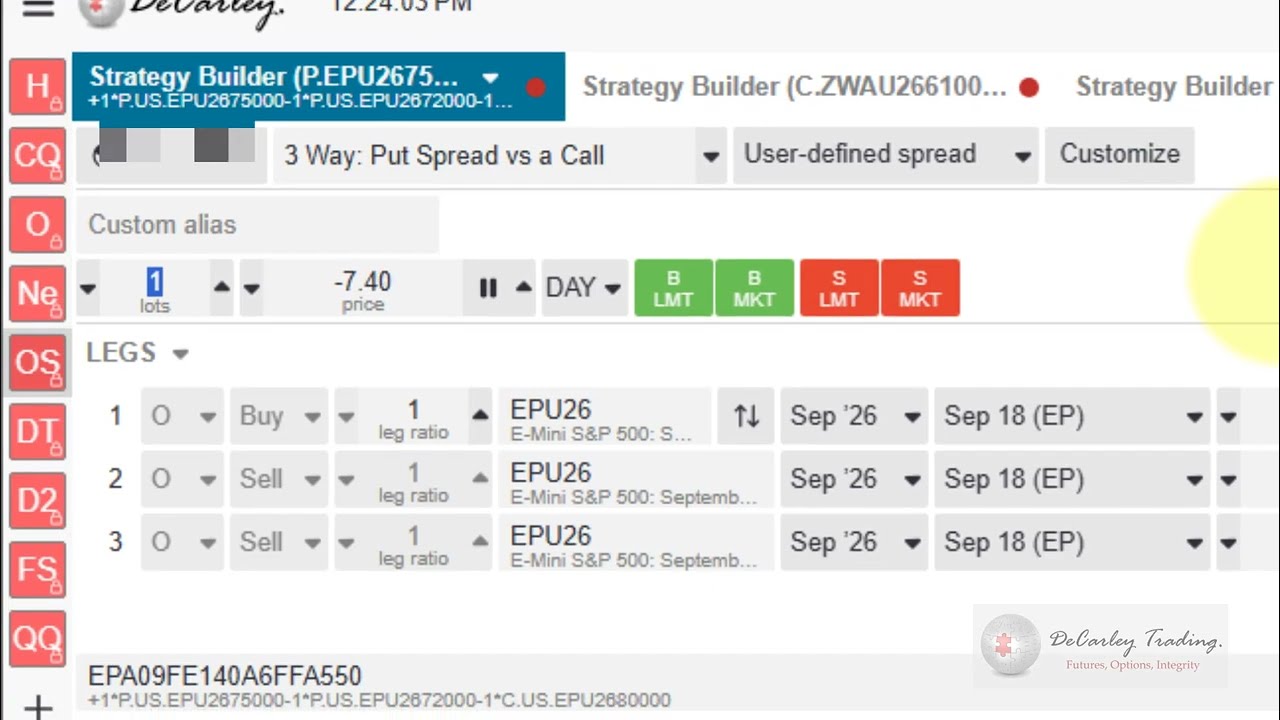
Option Spreads Page: An overview of the Option Spread Builder page in the DeCarley Trader platform.

Day Trader Page: Futures Day Trader Platform - DeCarley Trader (a customized version of CQG Desktop)

Day Trader Page: Futures Day Trader Platform - DeCarley Trader (a customized version of CQG Desktop)

Day Trader 2 Page: Day trade futures efficiently with the DeCarley Trader platform.

Day Trader 2 Page: Day trade futures efficiently with the DeCarley Trader platform.

Futures Spreads Page: Trading Futures Calendar Spreads with a spread matrix.
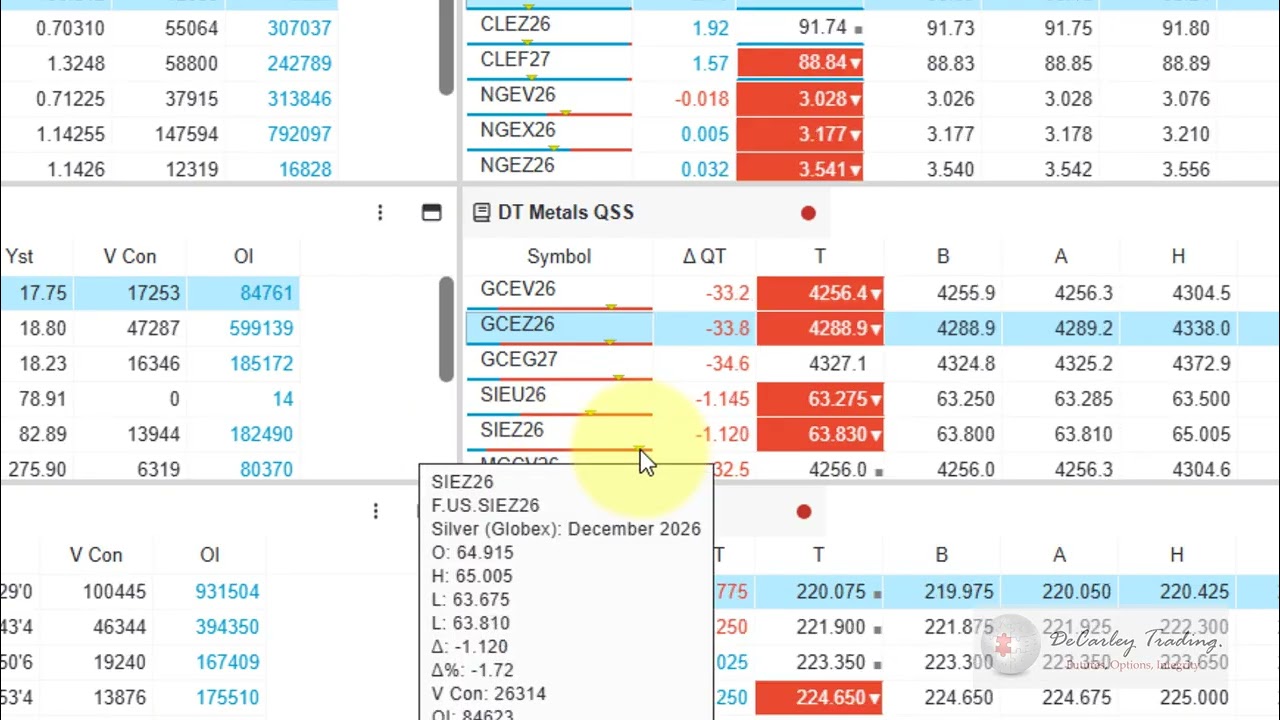
Futures Spreads Page: Trading Futures Calendar Spreads with a spread matrix.

Quick Quotes Page: View live futures quotes for all commodity market sectors in a single window
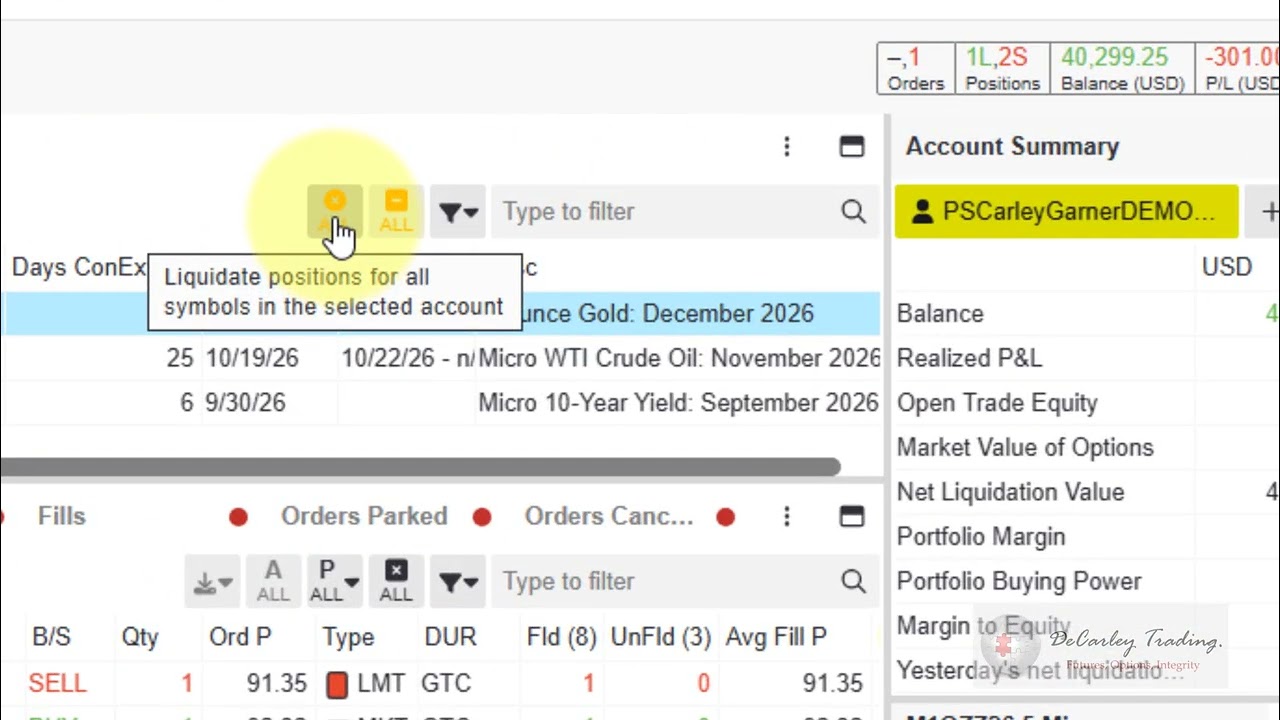
Quick Quotes Page: View live futures quotes for all commodity market sectors in a single window

How to enable and use the liquidate all feature in the DeCarley Trader to exit all futures positions

How to enable and use the liquidate all feature in the DeCarley Trader to exit all futures positions

How to place futures & options orders in the DeCarley Trader (CQG Desktop) standard order ticket.
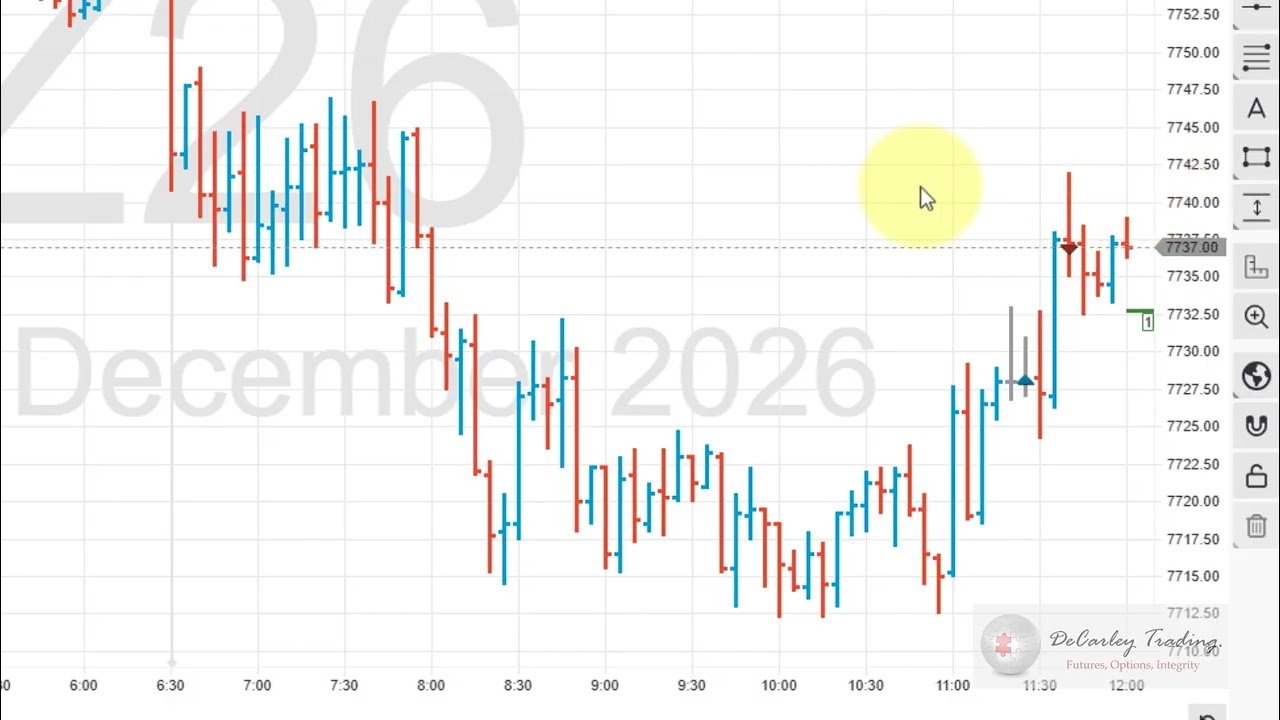
How to place futures & options orders in the DeCarley Trader (CQG Desktop) standard order ticket.

How to place trailing stops and trailing limits on futures contracts in the DeCarley Trader

How to place trailing stops and trailing limits on futures contracts in the DeCarley Trader

How to place bracket orders, including OCO and OSO orders, in the DeCarley Trader futures platform

How to place bracket orders, including OCO and OSO orders, in the DeCarley Trader futures platform

How to place parked, time-released, market on open (MOO), and market on close(MOC) orders

How to place parked, time-released, market on open (MOO), and market on close(MOC) orders

Stops vs. Limit Orders: How the platform guides users to the correct order type.

Stops vs. Limit Orders: How the platform guides users to the correct order type.

How to manage the futures quote board and quote lists, and add or remove symbols.

How to manage the futures quote board and quote lists, and add or remove symbols.

How to customize pages in the DeCarley Trader (a version of CQG Desktop/StoneX Futures)

How to customize pages in the DeCarley Trader (a version of CQG Desktop/StoneX Futures)

How to sort positions, quotes, and orders by symbol, expiration date, and more.

How to sort positions, quotes, and orders by symbol, expiration date, and more.